Download
How to install Nextline
Your download is starting now. Nextline needs an Apple Silicon Mac running macOS 14 or later. Here's what to do with the file once it lands.
Not sure which you have? Apple menu › About This Mac — a line reading Chip: Apple M… means you're set; Processor: Intel means Nextline won't run.
-
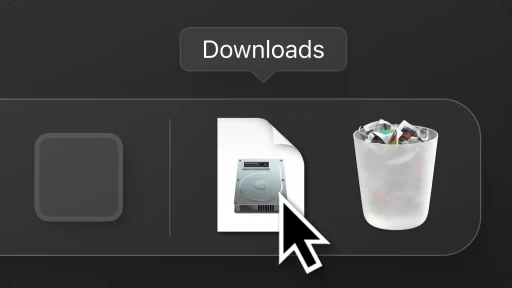
Open the .dmg from your Downloads folder.
-
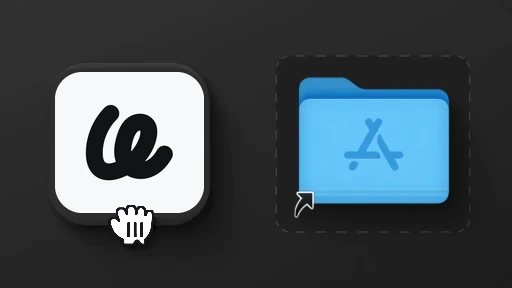
Drag Nextline into your Applications folder.
-
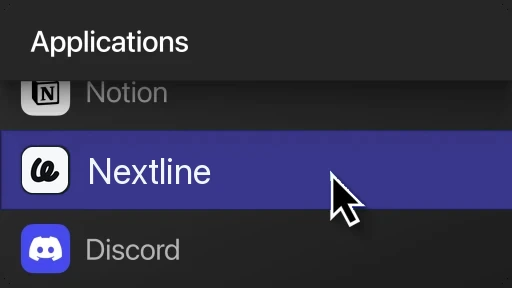
Open Nextline from your Applications folder.
Download not starting? Get it here.
Then head to compatibility to see which apps it works in.